HOT PRODUCT | LOW STOCK
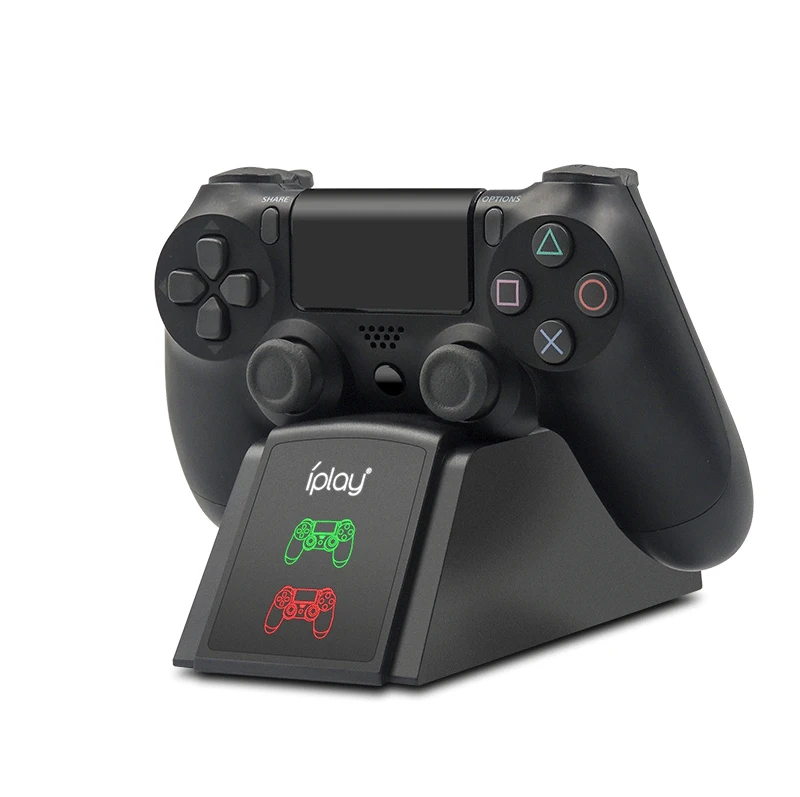
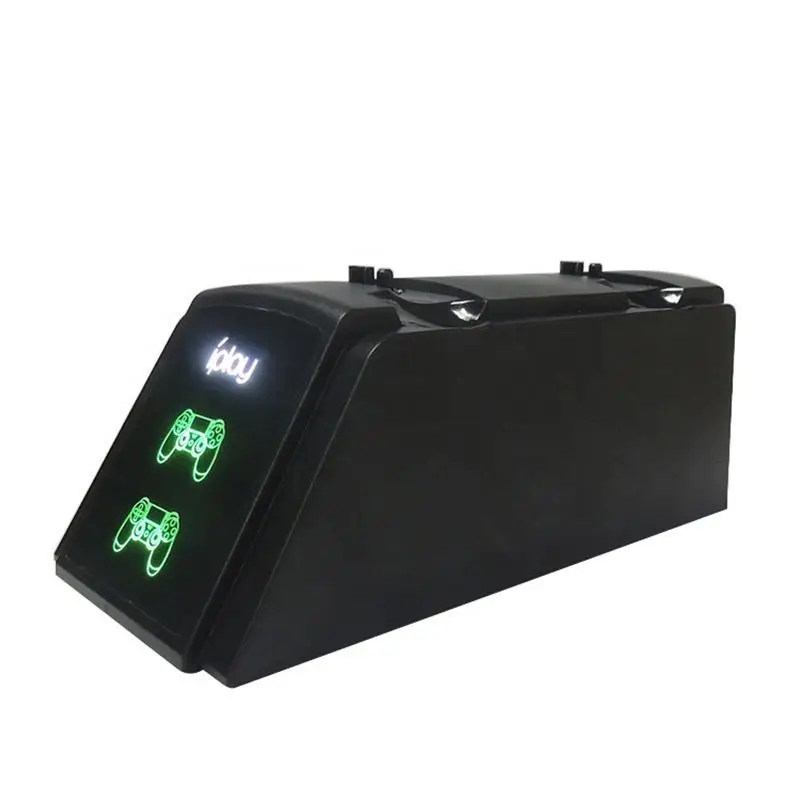
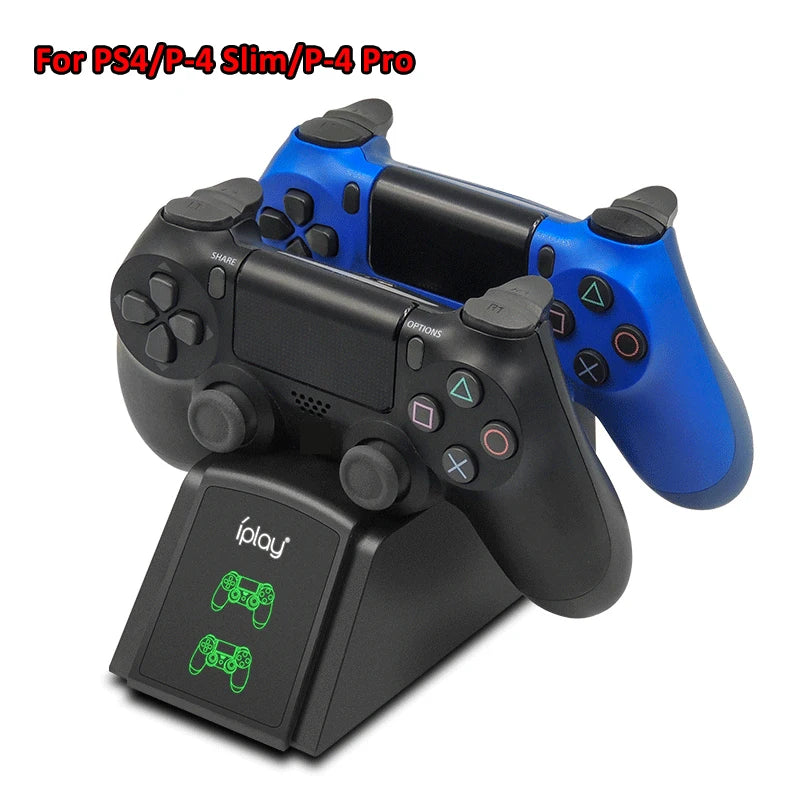
PS4 Charging Station with LED Indicator
PS4 Charging Station with LED Indicator
Couldn't load pickup availability
PS4 Charging Station with LED Indicator
Get it between - and -.
SPECIFICATIONS
Applicable: Sony PS4 gamepad
Brand Name: IPLAY
Certification: CE
Compatible Brand/Model: Sony
Compatible Sony Model: PLAYSTATION4
Connection mode: Usb interface
High-concerned chemical: None
Inbox adaptor: No
Interface Type: MICRO USB
Material: ABS
Model Number: HBP-119
Origin: Mainland China
Packing List: Seat charger, charging ca
Power Source: DC,DC
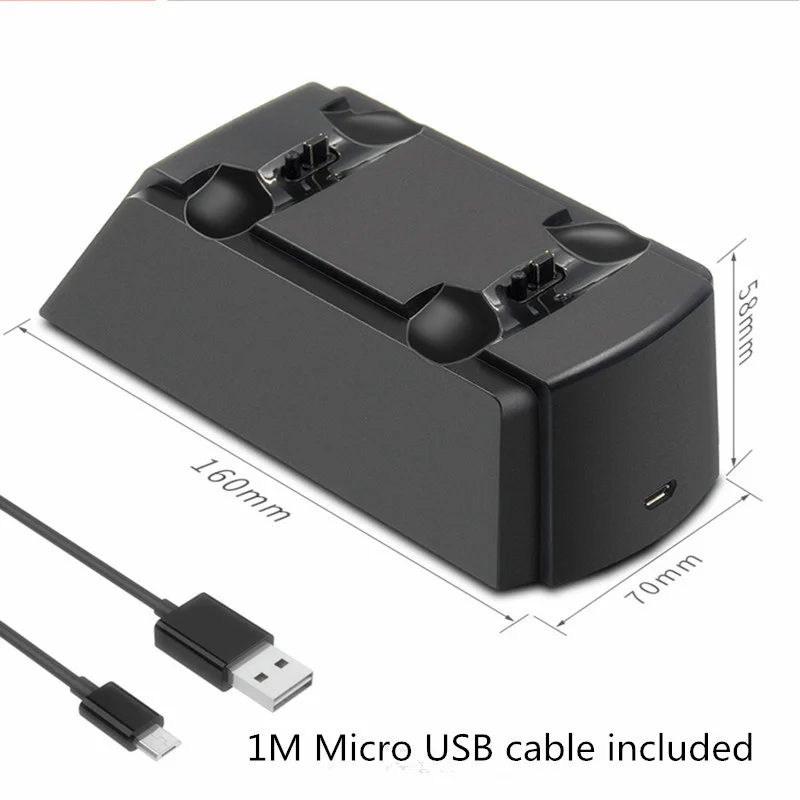
Product Size: 160*70*58mm
Product Type: Game accessories
Product Weight: 135g
Product alias: Ps4charger/ps4charger/ps4
Suitable for game handles: Ps4handle/ps4pro host gam
Support wireless connection: No

Specifiction:
Net weight of seat charge: 135g
Gross weight of seat charge: 180g (seat charge, charging line, color box)
Seat size: 160*70*58mm
Packing size: 165*75*65mm
Product material: ABS
Additional function: Belt 2
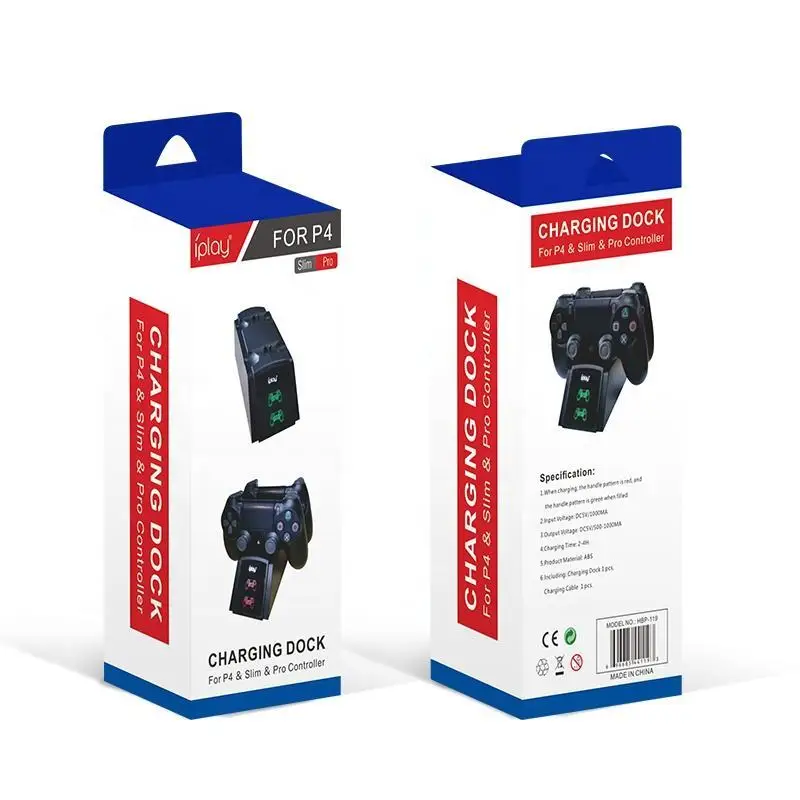
Input voltage: DC5V/1000MA
Output voltage: DC5V/500-1000MA
Charging time: 2-4H
Packing List: seat charge + charging line + color box
Seat charging features: red light when charging, green light when fully charged, automatic power off after fully charged, protect handle
Using Introduction "
1. Insert the USB plug of the charging line configured by the product into the USB socket of the DC5V power adapter with a charging current greater than 1A, and plug the MICRO male of the charging line into the MICRO female seat of the charging seat of the product to start powering the product.
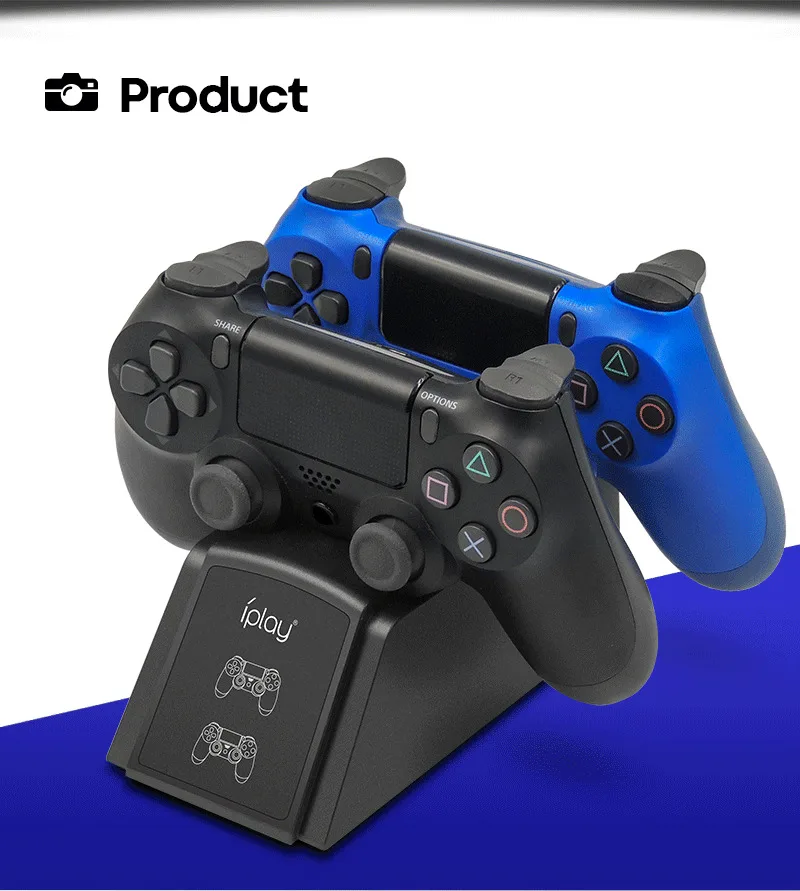
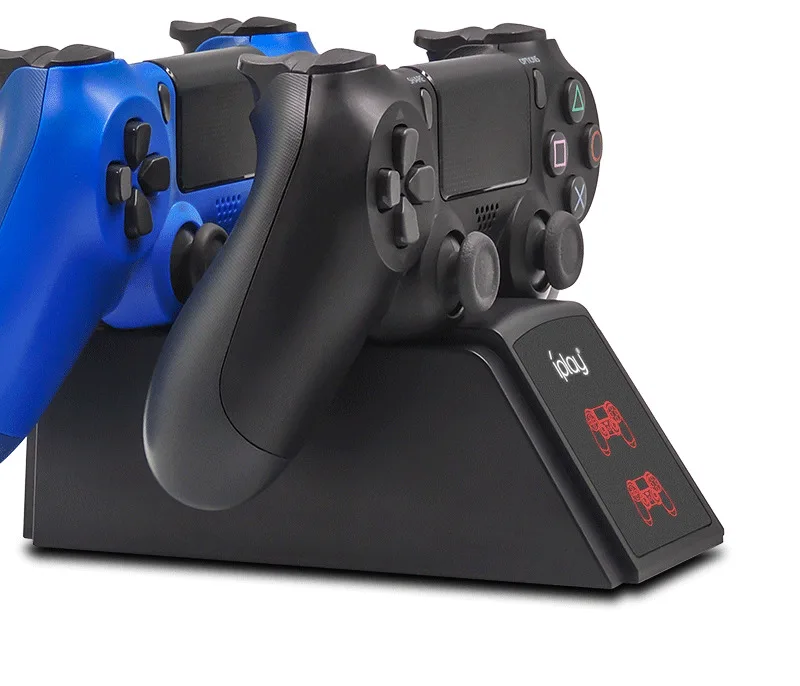
2. Install the PS3 handle on the product so that its charging interface can be inserted into the charging slot of the product in the correct way to charge it, or both PS3 handles can be charged at the same time. The charging state of the handle indicator light can be reflected in the charging groove of the product, and the charging light display of the handle indicates that the product is charging the battery pack.
3. When the PS3 handle is charged, the charging indicator light is red. After being fully charged, the color of the indicator light turns green. The PS3 handle can control the charging state by itself. The power is not automatically charged, and the power is automatically powered off after being fully charged, protect the handle.